Simple booking. Less admin. More appointments.
Customers pick a day and time, automatically receive a confirmation, and the appointment lands straight in your calendar.
Free initial consultation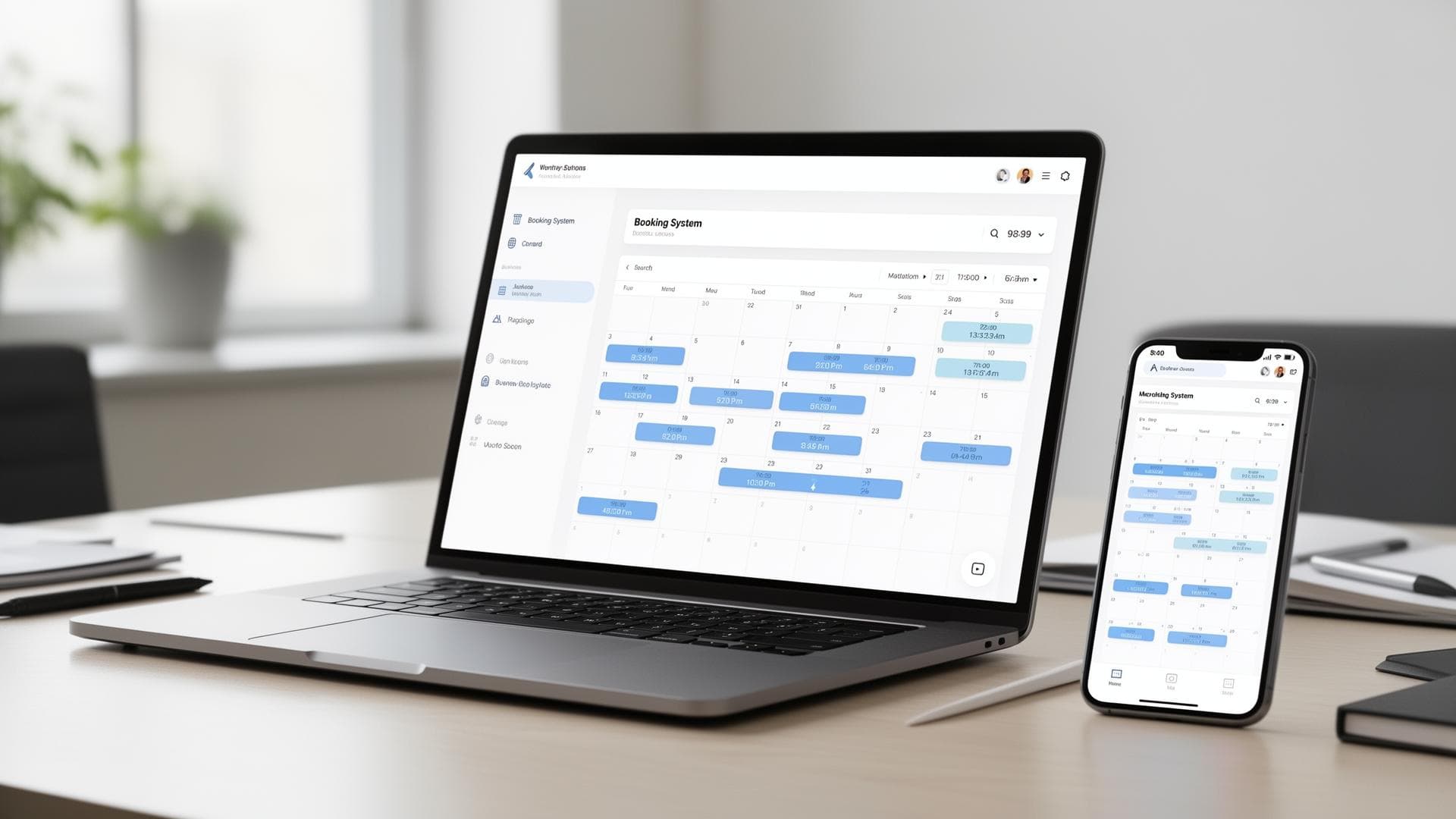
Who is an online booking system suitable for?
Hotels & accommodation
For check-in slots, spa and wellness appointments, breakfast times, shuttle bookings or housekeeping slots.
Service providers & local businesses
For consulting, beauty, medical and physiotherapy, coaching, tradesperson appointments, test drives, studio bookings or courses.
Rental & resource planning
For rooms, equipment, vehicles, pitches or complete packages – with rules, availability and capacities.
How it works for your customers
- 1Select a service (e.g. check-in, consultation, massage, meeting room)
- 2Choose date and time (only available slots are shown)
- 3Enter details (name, email, phone, notes)
- 4Receive confirmation (email, optionally SMS)
- 5The appointment is fixed and lands automatically in your calendar
What your booking system handles for you
Automatic calendar entries
Appointments are created directly in your Google Calendar or Outlook – including service name, customer details, notes and duration.
Emails & reminders
Confirmation after booking, reminder email (e.g. 24h before), optional SMS reminder, follow-up after the appointment (feedback/review).
Booking rules that save you time
Buffer times, minimum lead time, max. bookings per day, teams and locations, blocked periods and holidays.
With or without payment – you decide
Without payment
Perfect if you only want scheduling: select a service, book a slot, confirmation – done.
- No payment processing needed
- Fast booking for customers
- Ideal for free services
With payment
Ideal for hotels and services with a no-show risk: full payment or deposit, cancellation terms, automatic payment confirmation.
- Significantly reduces no-shows
- Credit card, Apple Pay, Google Pay
- Deposits and cancellation fees
Supported payment methods:

Hotel use cases: check-in and guest processes
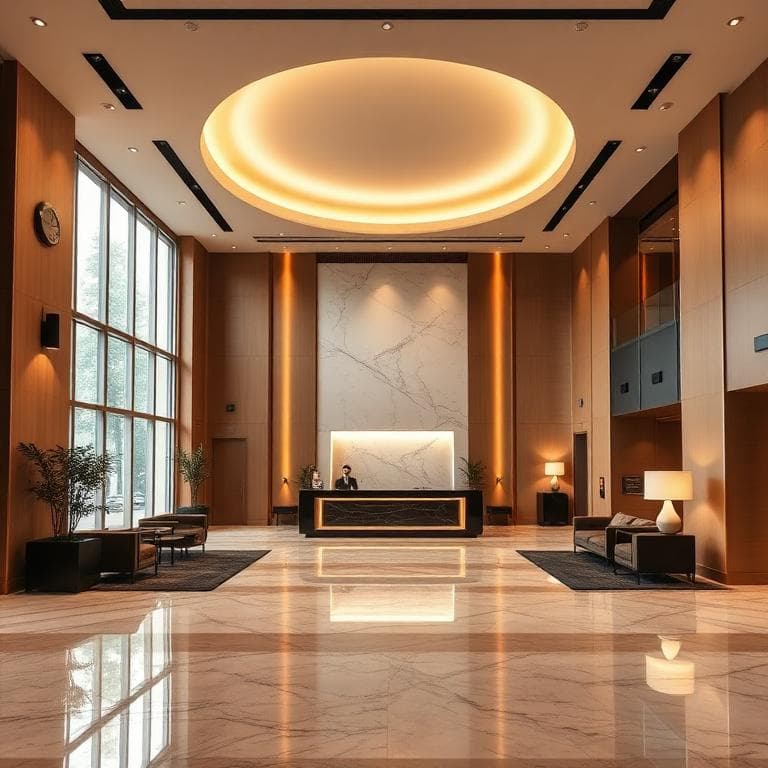
Check-in slots & digital arrival
You can give guests fixed slots (e.g. 14:00–20:00) – making reception and staffing far easier to plan.
Also possible: an advance form for guest details, automatic emails with arrival information, optionally a self check-in flow.
Make extras bookable
Integrations we implement
Calendars & tools
- Google Calendar / Outlook / iCal
- Team calendars
- Multiple services with different durations
Website & systems
- Integration directly into your website (WordPress or custom)
- Widget or dedicated page
- Connection to CRM/email marketing on request
Notifications
- Email templates in your brand design
- Optional SMS dispatch
- Admin notifications for new bookings
Example: what a booking looks like
Pick an appointment and try the whole flow – from choosing a time to the confirmation.
This is a demo – real integrations with calendar, email and payment are set up during the project.
Process: from idea to a live booking system
Short conversation
Industry, processes, services, rules
Concept
Page structure + booking flow + integrations
Implementation
Design, calendar sync, emails, payment optional
Testing phase
Running through bookings, edge cases
Go-live
Going live + tracking + optimisation
Frequently asked questions
What does an online booking system cost?
Can the appointment be added directly to my calendar?
Do customers receive an email automatically?
Can I integrate payments?
Does it work on mobile?
Is it compliant with data protection law?
Ready for a booking system that takes work off your hands?
Tell us briefly what you want to make bookable (services, duration, payment yes/no, calendar). We will come back to you with a suitable setup.
Free initial consultation